
Using the studio
The studio shows three panels side by side: on the left, the steps of a calculation in tabs; in the middle, the results; on the right, the Julia script the studio writes as you go. The panels can be resized by dragging their borders. 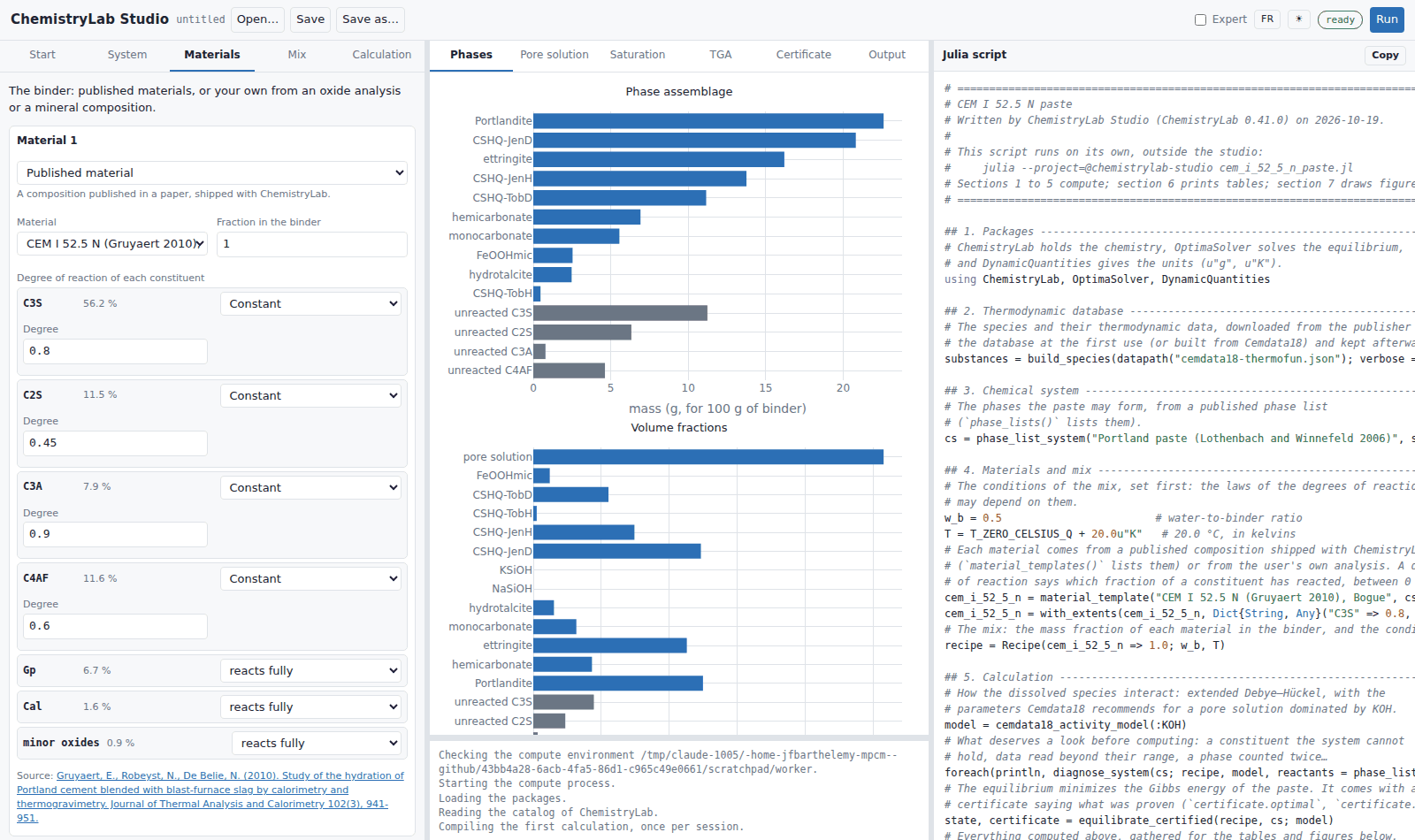
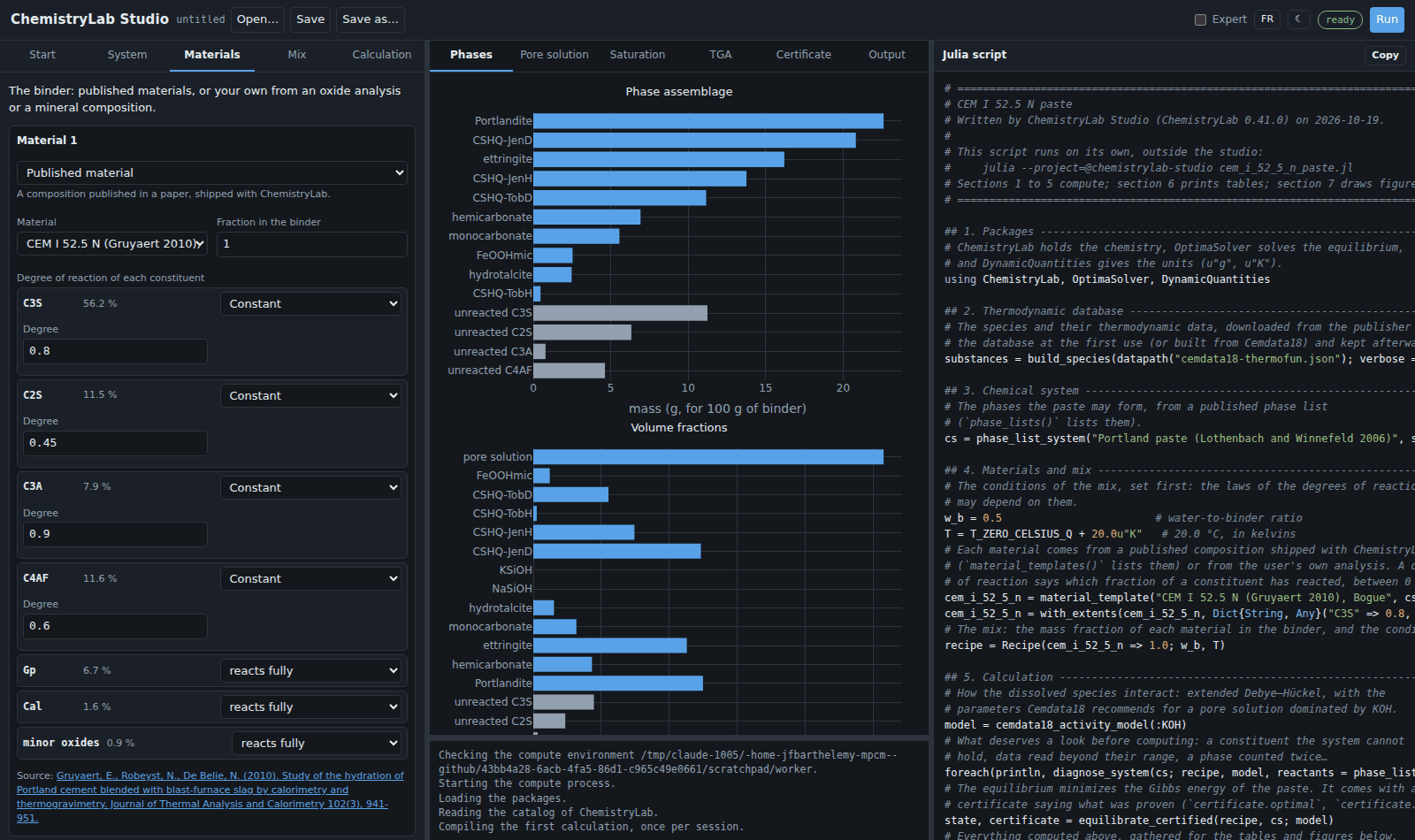
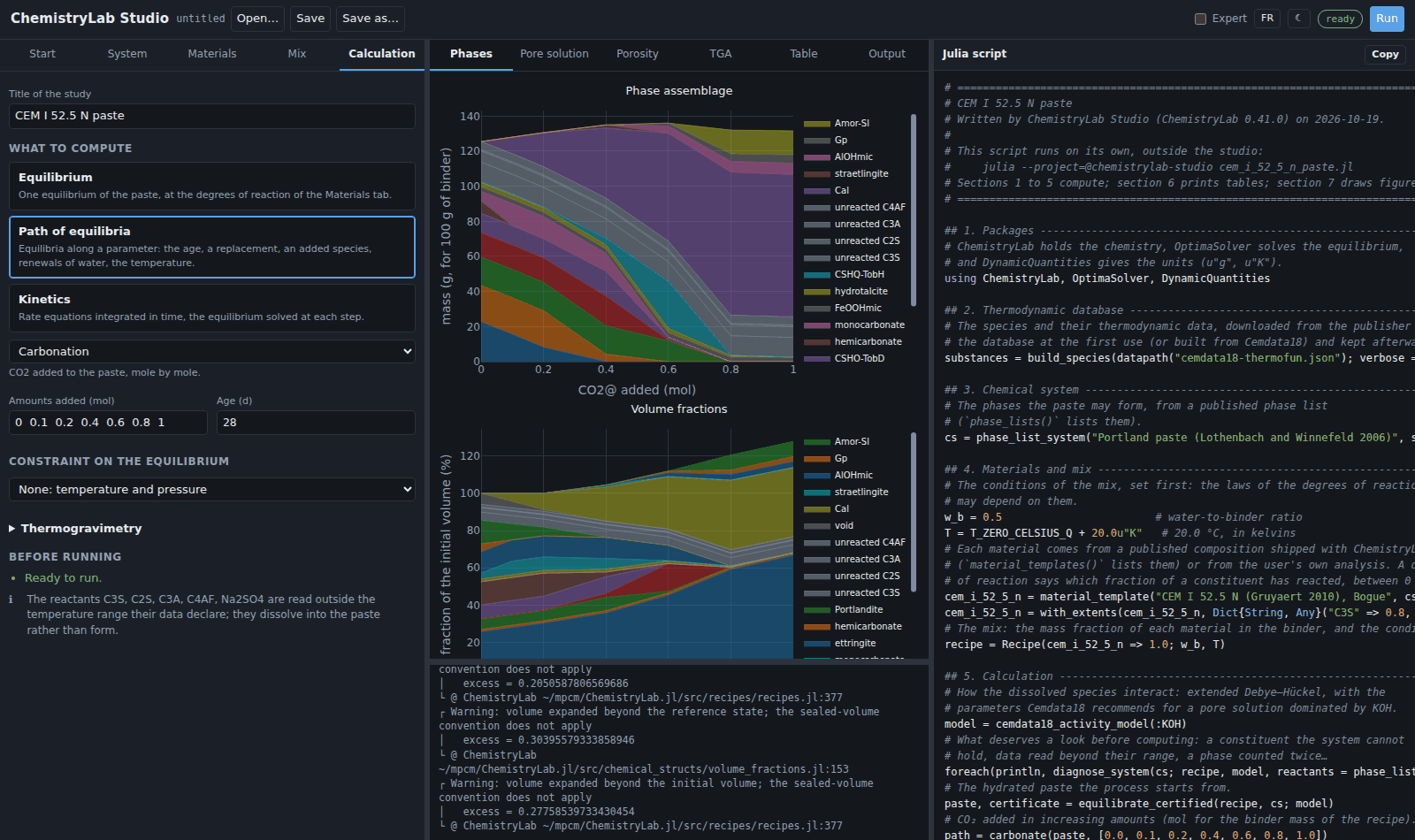
The header holds the file buttons, the Expert switch, the language (English or French), the theme (as the system, light or dark), the status of the calculations and the Run button.
The tabs, in order
Start. The library of published formulations, each loaded with one click, and Open a script for a script you saved.
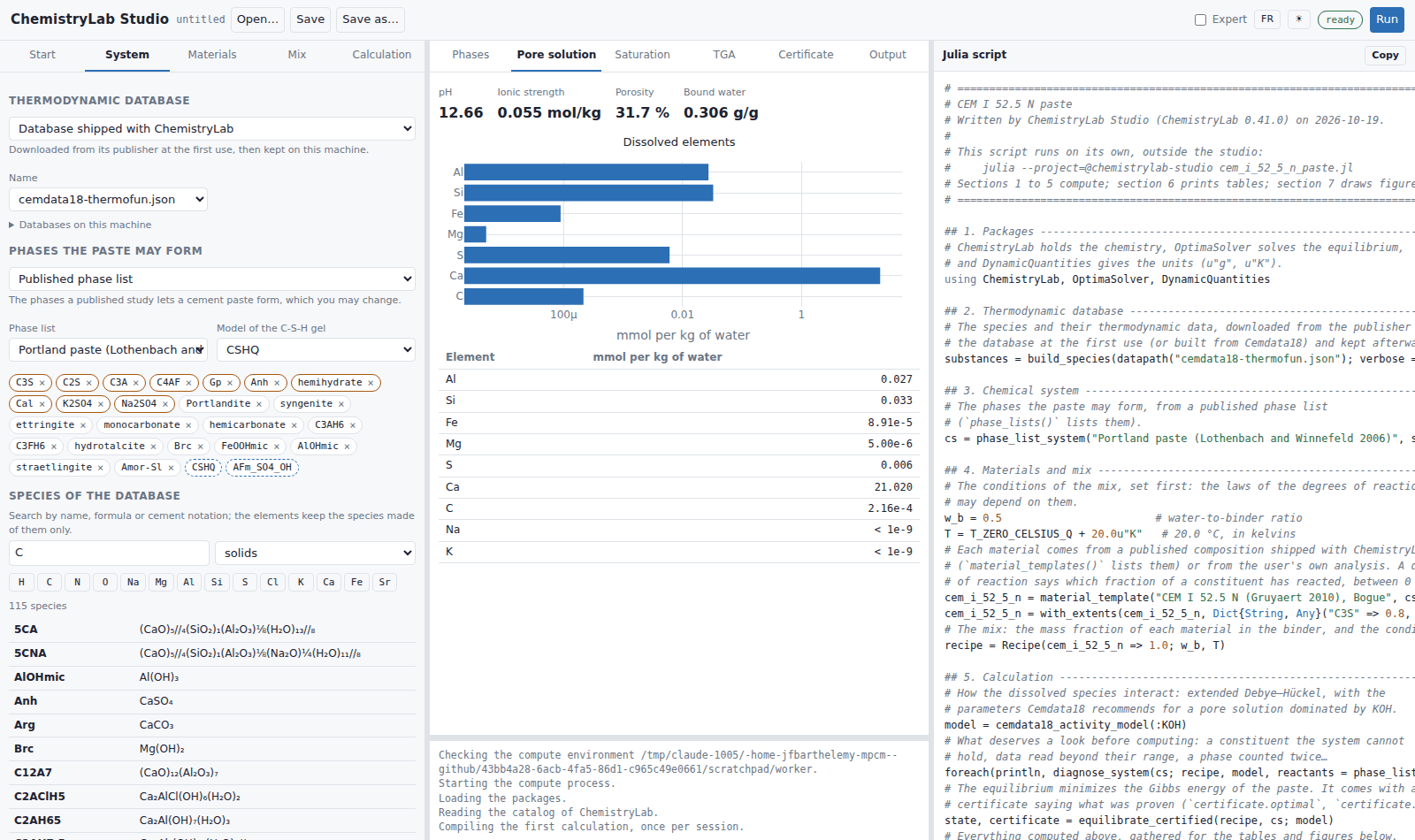
System. Everything the equilibrium is made of:
the thermodynamic database: one shipped with ChemistryLab (Cemdata18 by default), or a file of your own;
the phases the paste may form: a published phase list, whose phases appear as chips (× leaves one out, ↺ takes it back), or a list of your own with the solid solutions you choose; the C-S-H gel model is chosen here;
the species of the database: search by name, formula or cement notation (
C3S,Portlandite,CaCO3), click elements to keep the species made of them only, and add a solid to the system with +; a ⚠ marks a species whose data do not cover the temperature of the mix;the activity model of the pore solution;
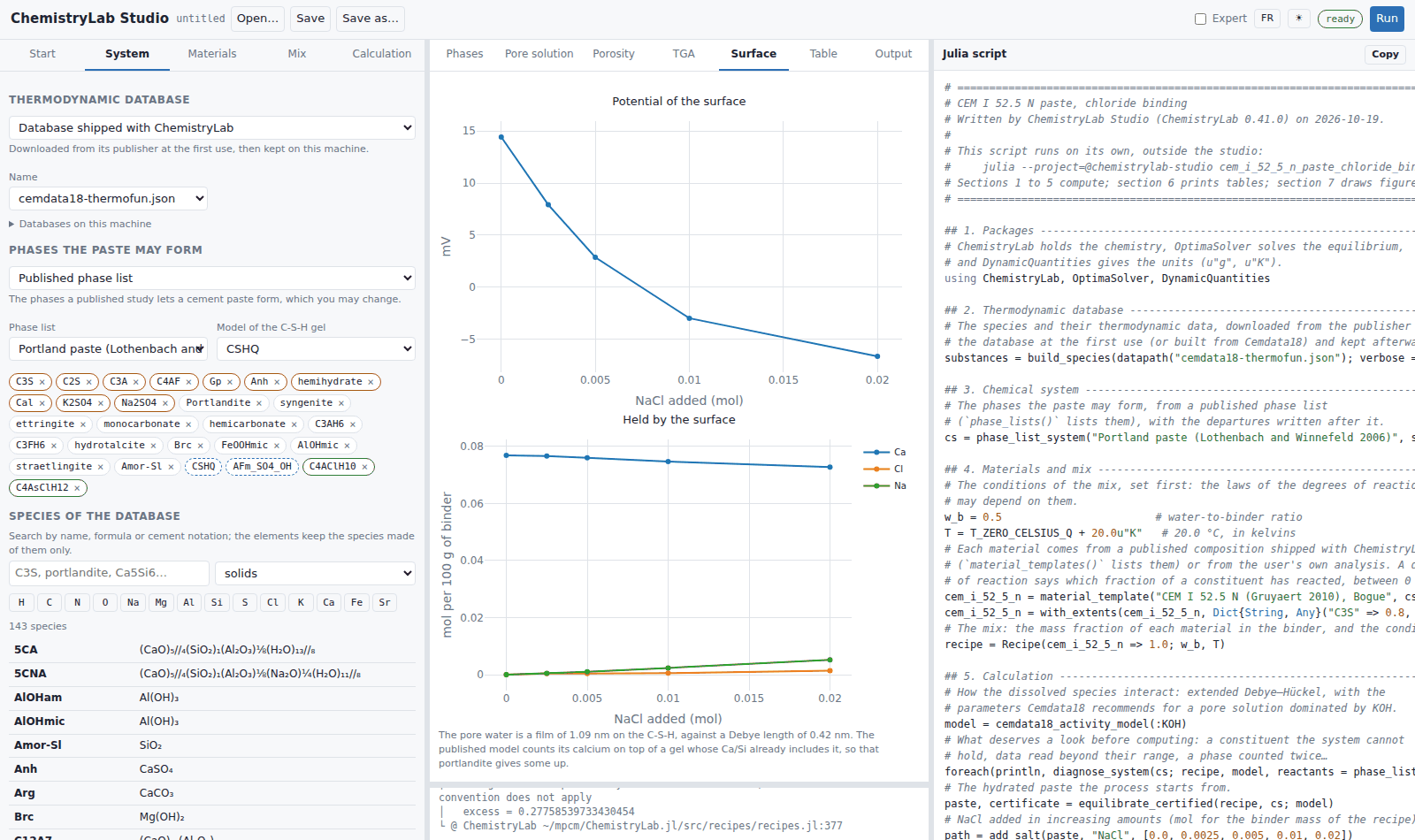
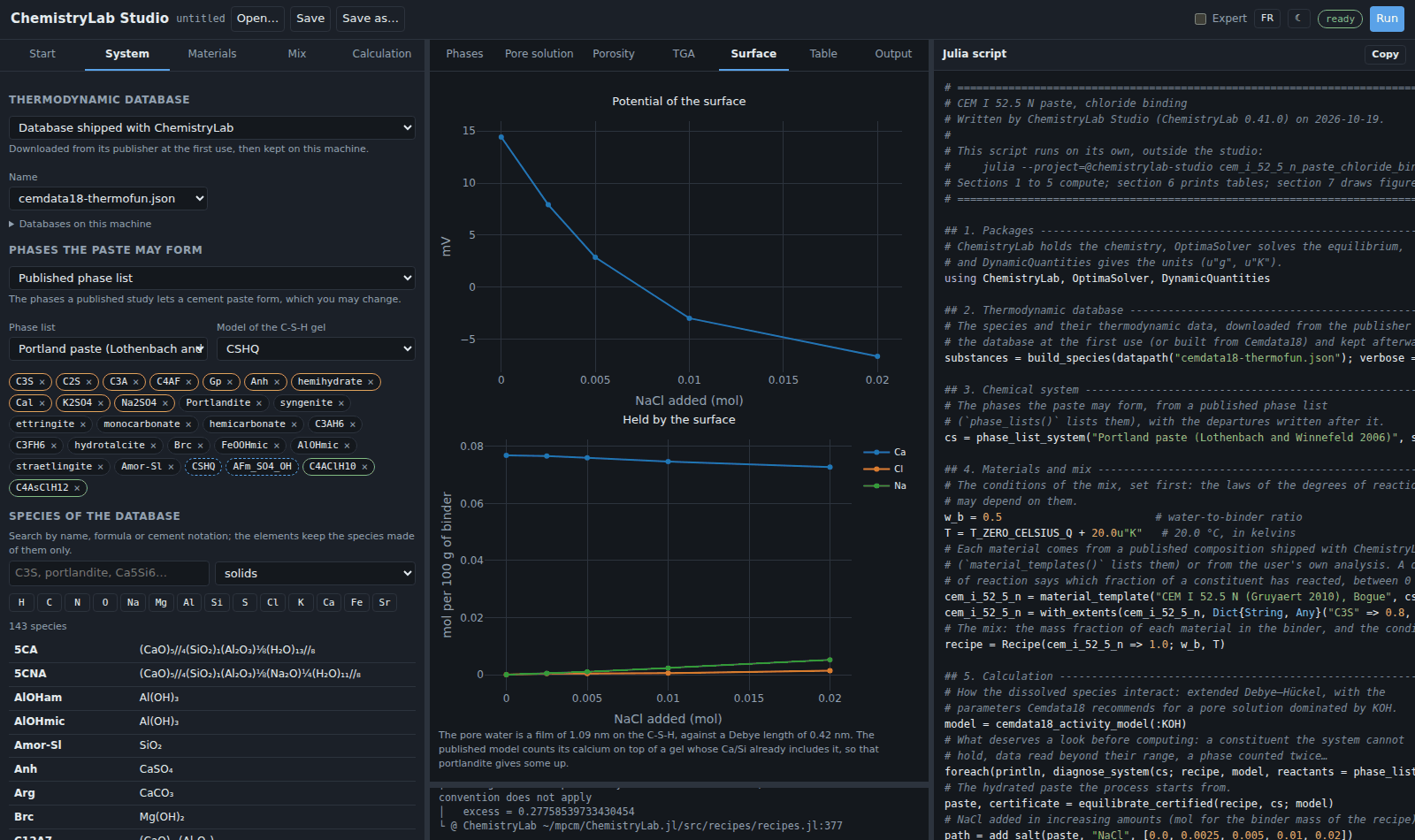
the surface of the C-S-H: the sites of the published model of Guo et al. (2018) on the gel, computed after the equilibrium (or at each point of a path) by
with_csh_surface: the gel is frozen at its composition, portlandite holding the activities it shares with it, and the paste is solved again with the sites. Along an addition of salt, that is the binding of chloride by the surface beside the chloride AFm phases. In expert mode a Donnan layer of water can be put on the diffuse layer, as in a suspension: it is refused, with the reason, when the pore water is a film thinner than the layer or than the Debye length, which is the case of a hardened paste;the diagnosis, kept up to date as you edit, which reports what
diagnose_systemfinds: a constituent the system cannot hold, a phase declared twice, data read outside their temperature range, the Al-Si hydrogarnets of Cemdata18, missing volumes or enthalpies. Each finding says what it costs and what to do.
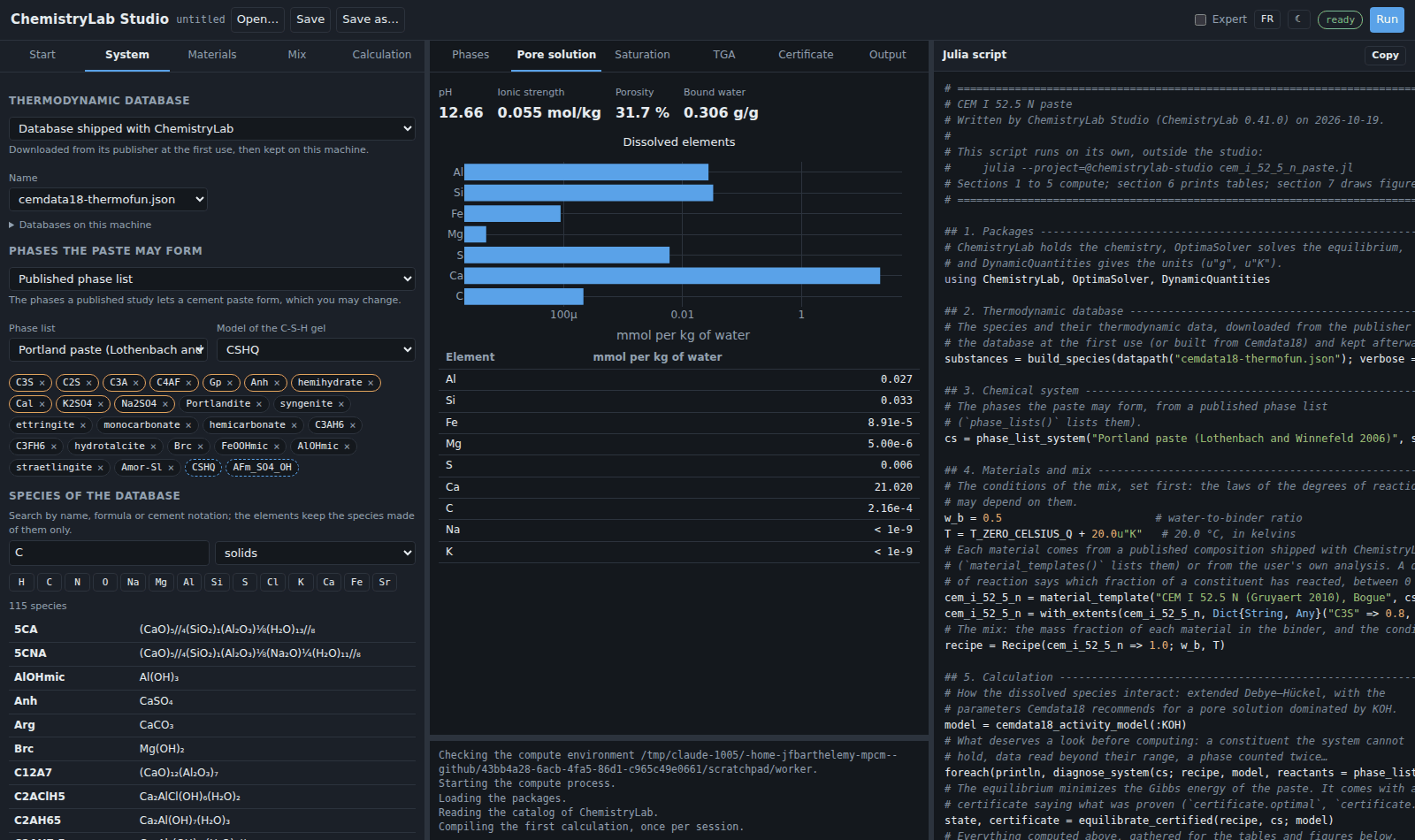
Materials. The binder, one card per material: a published composition shipped with ChemistryLab, an oxide analysis of yours (by Bogue's calculation, or kept as oxides), or a mineral composition of yours. A composition is entered in a table; Paste… reads a block copied from a spreadsheet or a CSV file (tabs, semicolons or commas, a decimal comma accepted), shows how each line was read, and adds the rows; Copy puts the table back on the clipboard; Ctrl-Z undoes the last change. Each constituent can be given a degree of reaction: constant, a logistic law in time, a table of measurements, the law of Parrott and Killoh, or any of these capped.
Mix. The water-to-binder ratio and the temperature; in expert mode, the mass of binder and the pressure.
Calculation. Three buttons choose what to compute:
Equilibrium: one equilibrium of the paste, its degrees of reaction read at the age given;
Path of equilibria: equilibria along a parameter, each started from the previous one: the age (hydration), the fraction of a replacing material, CO₂, a salt or any species added, renewals of pure water (leaching) or of an attacking solution, a range of temperatures or of water-to-binder ratios;
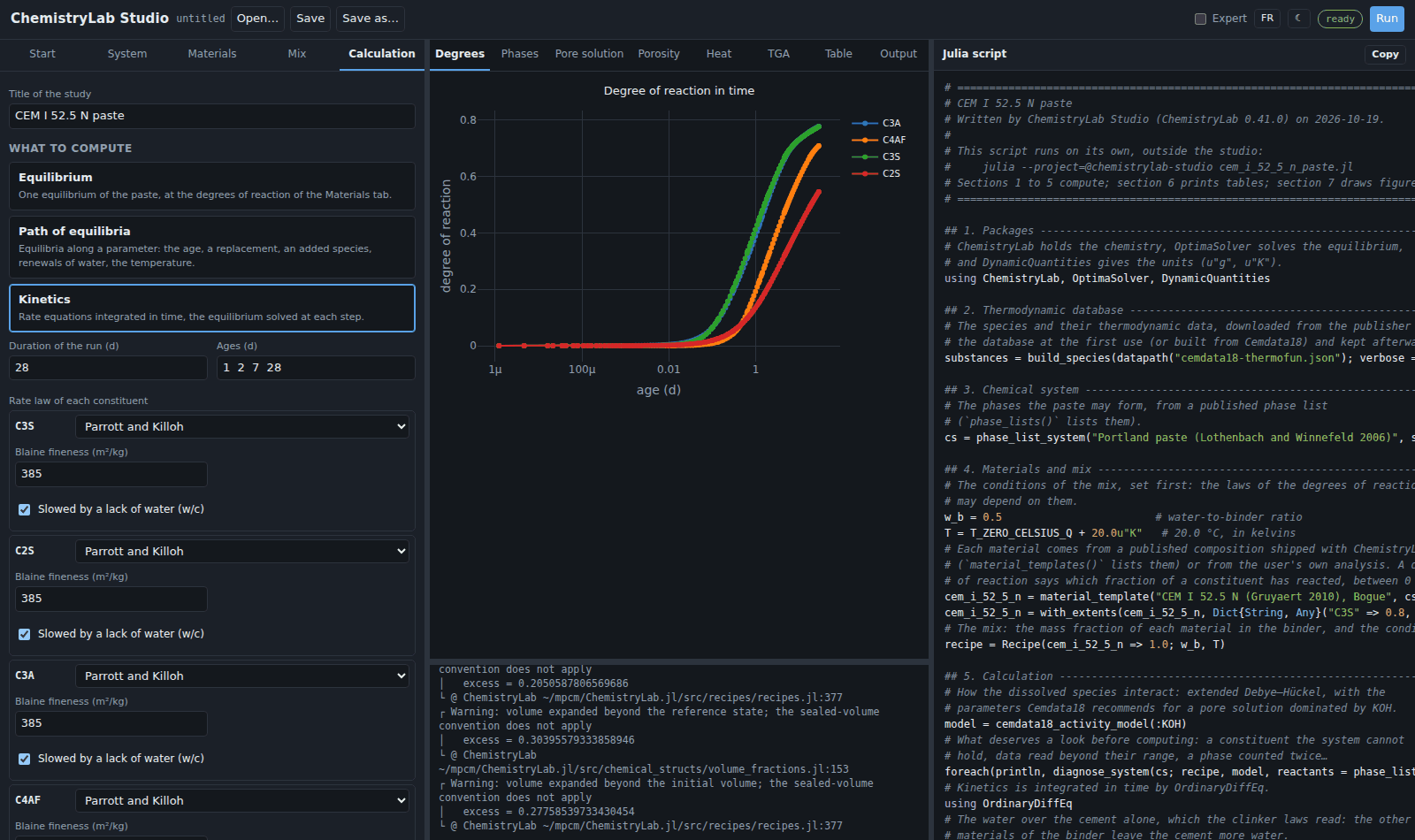
Kinetics: rate laws integrated in time. Each constituent given a law reacts as the law says (Parrott and Killoh for the clinker phases, Waller for a fly ash or a silica fume, a first-order law, or a law you write as a Julia expression); the others are at equilibrium, to their degree of reaction, from the start. A glass (a slag, the glass of a fly ash), known by its oxides, can be given a law too: the script writes it a formula from its oxides, with an enthalpy of formation estimated from them so that its heat counts (
with_glass_species). The run is isothermal or in a semi-adiabatic cell, whose losses are linear in the difference of temperature or, in expert mode, with the quadratic term of a calibration.
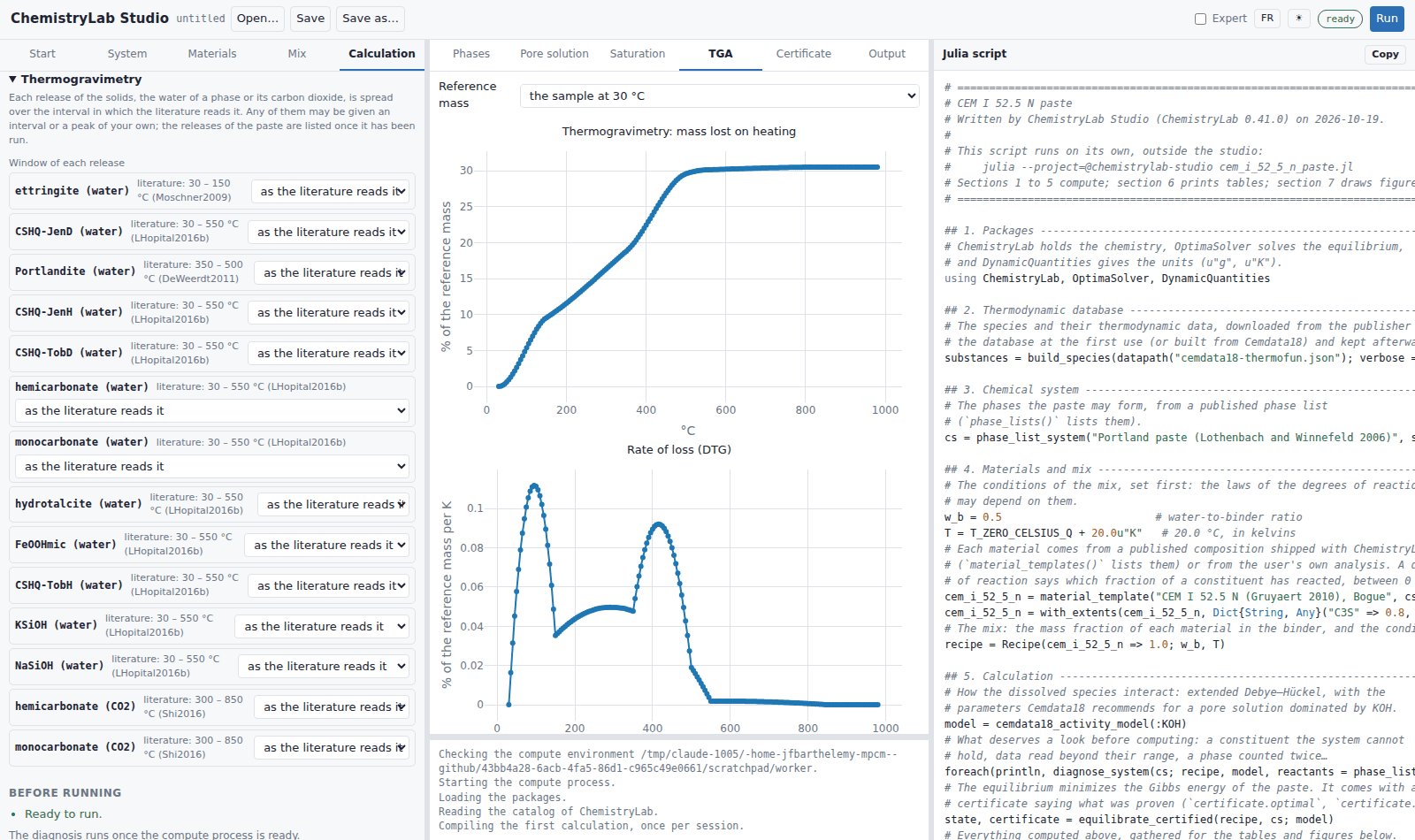
A constraint can be put on an equilibrium: a pH held, the activity of a species held (CO2@ for a partial pressure of CO₂), saturated curing, or adiabatic conditions. Thermogravimetry, at the end of the tab, sets the window of any release of the solids (the water of a phase, or its carbon dioxide): an interval, or a logistic peak, in place of the interval in which the literature reads it. The releases of the paste are listed once it has been run, each with the literature's interval beside it. Before running lists what keeps the model from running; Run stays disabled until the list is empty.
The results
The tabs of the middle panel follow the calculation:
Phases: the mass of each solid for the mass of binder, and the volume fractions, the pore solution and the void the chemical shrinkage leaves included. What has not reacted is drawn in gray. Along a path or in time, the masses and the volumes are stacked areas.
Pore solution: the pH, the ionic strength, the porosity and the bound water, and the dissolved elements in mmol per kg of water, on a log axis.
Saturation: the saturation index of each phase.
Porosity: along a path, the porosity and the bound water.
Degrees and Heat: for a kinetic run, the degree of reaction of each constituent in time, the heat released, and the temperature of a semi-adiabatic cell.
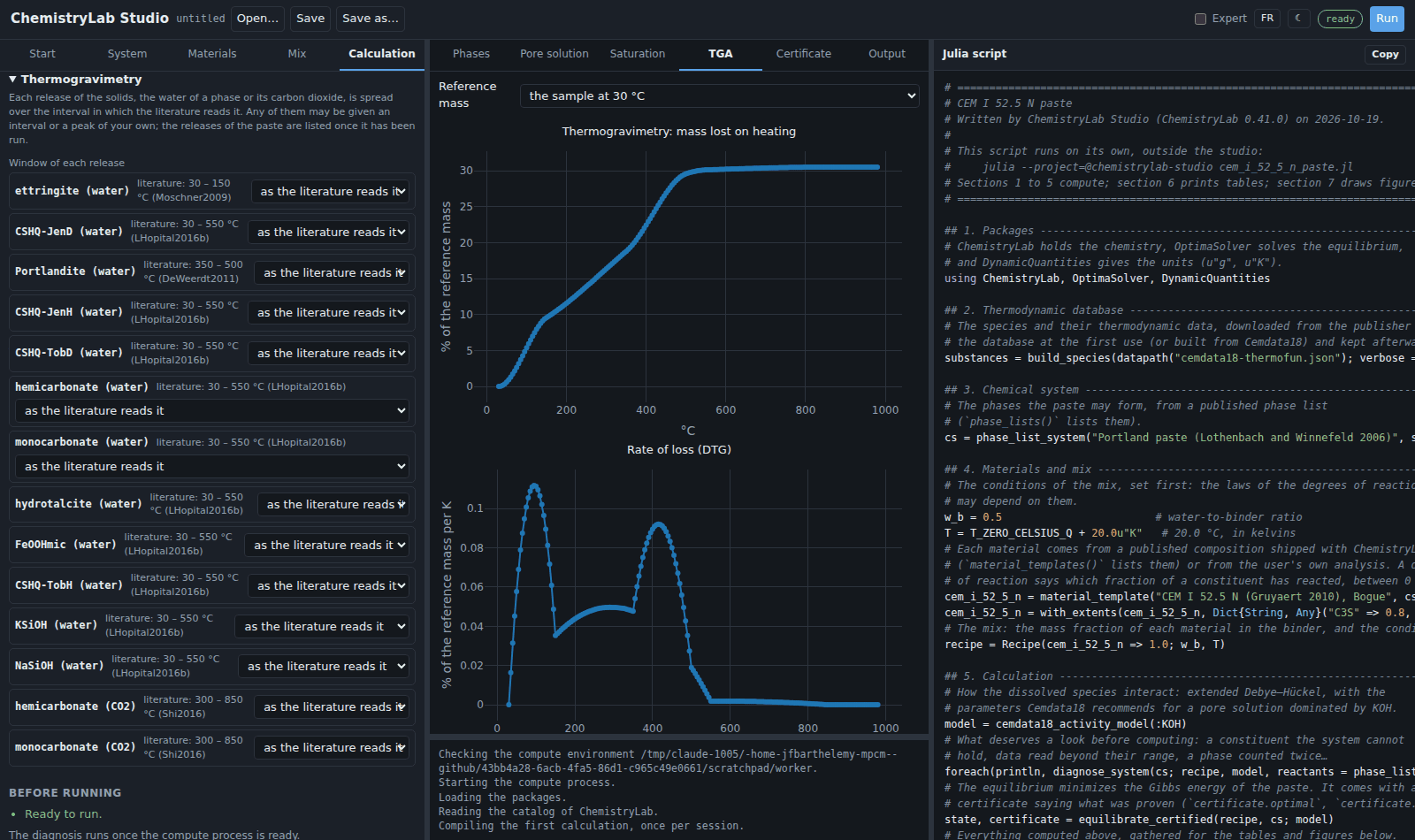
TGA: the thermogram of the solids from 30 to 980 °C, the mass lost and its rate (DTG), in percent of a reference mass you choose (the sample at 30 °C, dry at 105, 500 or 800 °C, or ignited), the conventions the papers use; for one equilibrium, the loss of each phase. Each loss is spread over its window: the interval in which the literature reads it (
literature_windows), unless the Calculation tab sets another. The curve says where a loss is attributed, not how a phase decomposes. A table lists the window of each release and where it comes from, and Change the windows opens them in the Calculation tab. Along a path or in time, a list chooses the point.Surface: with the surface of the C-S-H, what its complexes hold per mass of binder, its potential, the film of pore water on its area against the Debye length, and the Donnan layer; along a path, what it binds and its potential at each point.
Certificate: what the solver proved about the equilibrium.
Table: along a path, one row per point; Copy the table puts it on the clipboard for a spreadsheet.
Output: what the calculation printed, the diagnosis first.
Every plot can be saved as an image from its toolbar. 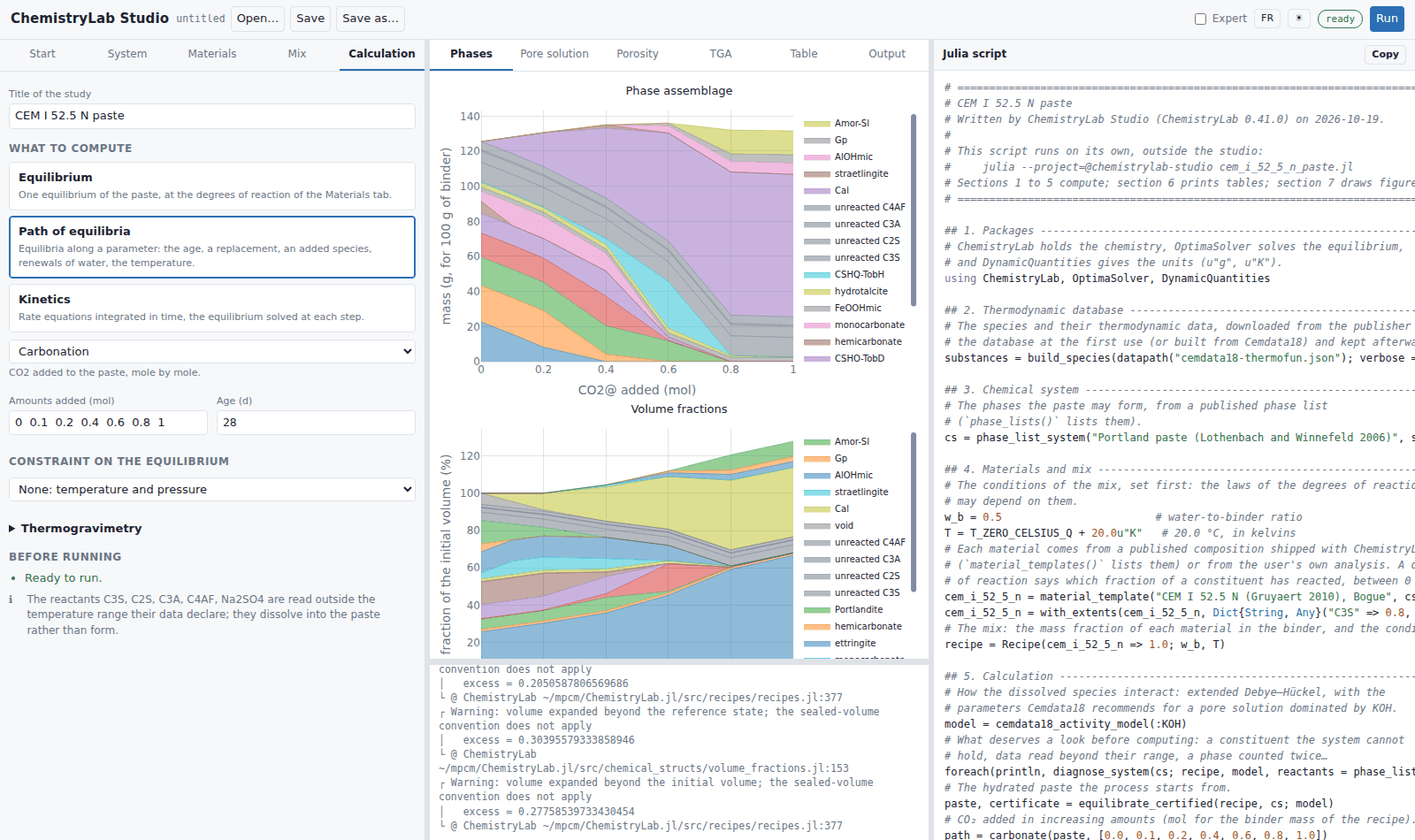
The script
The right panel shows the script of the current calculation, rewritten at each change. It is written for a reader who knows little Julia: seven sections, each saying what it does. The studio runs sections 1 to 5 itself, so the results on the page are those of the script, the windows of the thermogram included; section 6 prints tables (the loss on ignition among them, from the same windows) and section 7 draws a figure, for the script alone. Save writes it to a file; Copy puts it on the clipboard.
The model of the page is embedded at the end of the script, in a comment, so that Open restores every form exactly. A script edited by hand opens with a warning: the forms come from its embedded model, and saving writes a new file rather than overwriting the edited one. 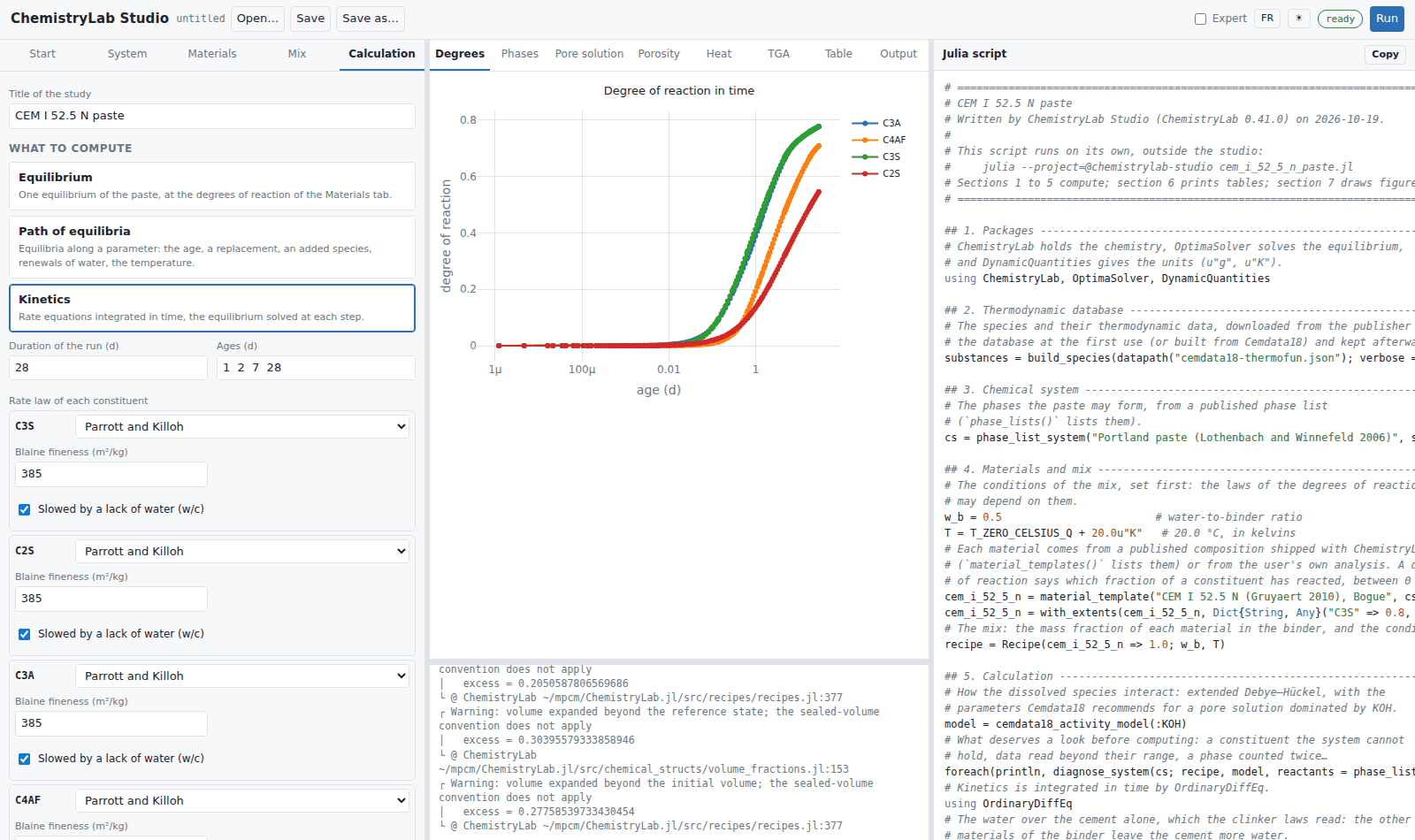
Stopping a calculation
While a calculation runs, Stop interrupts it. When the interruption cannot reach it within a few seconds, the compute process is restarted, and the next calculation compiles again. A calculation that would need more memory than the machine can spare is refused before it starts, or stopped when it outgrows it.
When a run stops short
A kinetic run whose integration ends before its horizon reports the ages it reached and the reason, in the Degrees tab and in a message: the results shown are those of the ages reached.